support@mail.aleforge.net
 Live Chat (7AM-9PM EST)



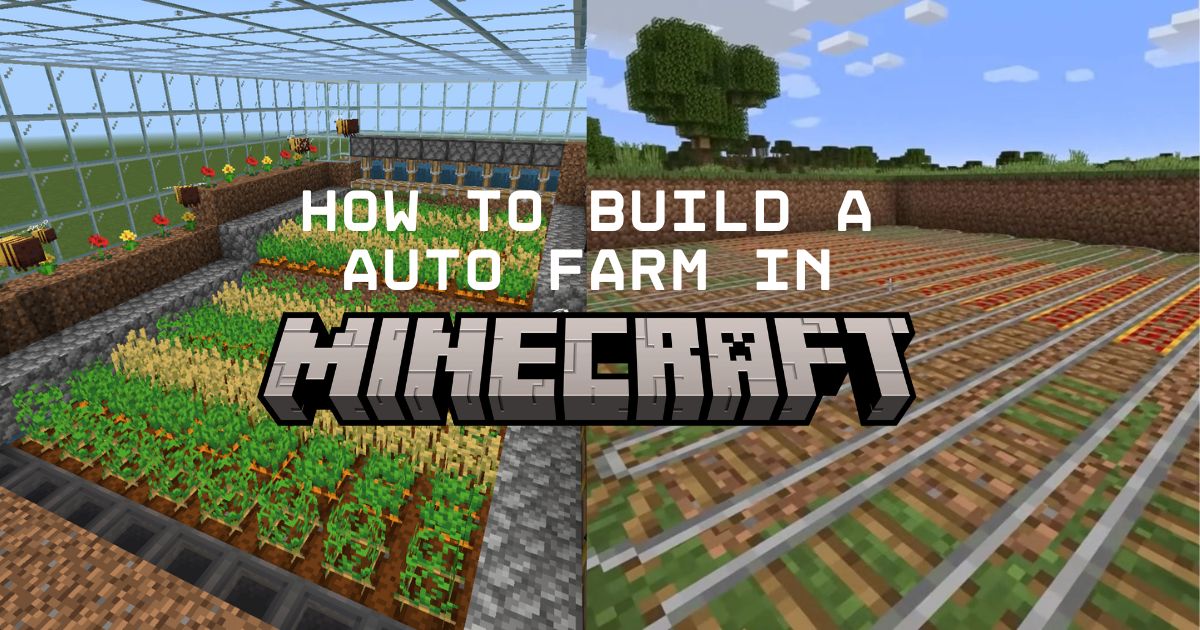
How to Build an Auto Farm in Minecraft
How to Build an Auto Farm in Minecraft
Have you ever wondered how some of your favorite YouTubers manage to afford those gigantic builds? Part of it is clever harvesting techniques and leveraging the power of beacons. But more often than not, a lot of those materials come from automated farms. If you’re looking to take on a massive project of your own, automating some of the material harvesting will go a long way to speeding up the build.
Sadly, unlike in some modpacks, you can’t automate everything you might want to use for a build, but you might be surprised at what’s possible. Especially with the addition of the crafter back in 1.21. So how do you actually go about building these industrial contraptions?
Redstone, Item Transport, and Flying Machines
This guide will be a bit different than what you might be expecting. Instead of a step-by-step tutorial for building a specific farm, we’ll be going over the core components of Minecraft auto farms so you have an idea of how to modify designs you find online or even make your own.
Redstone
Covering everything there is to know about redstone would take more time than we have (literal books have been written on the topic). So we’ll just be looking at the most important blocks you’ll need for any farm. But if you want a quick rundown on everything redstone, ibxtoycat has a fantastic guide.
Observers
Think of observers as the “eyes” of your automated farms. These blocks detect when something changes in front of them and send out a redstone pulse. They’re absolutely essential for timing when your farm should harvest crops or activate other mechanisms. The beauty of observers is that they react instantly to changes, making them perfect for creating responsive automation.
Pistons
Pistons are the muscle of your operation. Regular pistons can push up to 12 blocks, while sticky pistons can also pull blocks back. In farms, they’re typically used to push crops into water streams or activate harvesting mechanisms. Sticky pistons are usually worth the extra slime ball cost since they give you much more control over block movement. (And you can always build a slime farm if you need a lot.)
Item Transport
Once you’ve harvested your crops, you need to get them from point A to point B. Here are the three main methods you’ll use in most farm designs:
Water Conveyors
Water streams are the cheapest and most reliable way to move items over long distances. Items will flow along water currents, making them perfect for collecting crops after they’ve been harvested. The key is understanding water physics: water flows up to 8 blocks horizontally from the source, and items will always flow toward the lowest point. You can create efficient collection systems by strategically placing water sources and using signs or trapdoors to control the flow.
Hoppers
Hoppers are the workhorses of item collection and sorting. They can suck up items from above and transfer them to containers below or beside them. While they’re more expensive than water streams, they’re essential for precise item handling. Hoppers can also be locked with redstone signals, allowing you to create complex sorting systems or temporarily stop item flow when needed.
Minecarts
Hopper minecarts have an ability that regular hoppers lack: they can suck up items through solid blocks. This makes them incredibly useful for collection systems where you can’t place a hopper directly underneath your items. You’ll often see them used in farms where items need to be collected from below a solid surface, or in compact designs where space is at a premium. Just place the hopper minecart on rails underneath your collection area, and it’ll grab items through the block above.
Flying Machines
Flying machines open up incredible possibilities for farm automation. These contraptions use pistons and slime blocks to create moving platforms that can harvest entire fields automatically. They’re particularly useful for large-scale farms where manual harvesting would take forever. Like Redstone, covering everything there is to know about flying machines is beyond the scope of this post, but the wiki has an in-depth guide if you want to know more.
How to Build an Automatic Sugarcane Farm
Now let’s put these concepts into practice with a classic automatic sugarcane farm. Sugarcane is perfect for beginners because it’s relatively simple to automate and incredibly useful for making books, paper, and rockets.
While there are a ton of designs, they all share the same foundation: Sugarcane grows up to three blocks tall, but only the bottom block needs to stay planted. By placing observers to detect when the 2nd or 3rd block grows and connecting them to pistons (or a flying machine), you can automatically harvest the top portions while leaving the base intact for continued growth.
For a detailed visual walkthrough, JWhisp has a fantastic tutorial that shows how to build a version of this farm step by step.
Considerations
Before you start building massive automated farms across your world, there are a few important factors to keep in mind.
Space and Materials
Automated farms require significantly more space and resources than manual farms. That compact 9x9 crop field might become a sprawling contraption when automated. Plan accordingly and consider whether the automation is worth the resource investment. Sometimes a simple manual farm is more practical, especially early in the game when iron and redstone are precious.
Item Overflow
Success can be a problem too. Efficient farms can produce items faster than your storage can handle them. Always include overflow protection in your designs. Whether that’s additional storage, automatic item disposal, or circuits that shut down the farm when containers are full. Runaway overflow is one of the main causes of lag and server crashes. Speaking of which, that’s something else you’ll want to keep in mind.
Lag
Large-scale automation can cause significant lag, especially on multiplayer servers. Redstone circuits, flowing water, and moving entities all consume server resources. If you’re playing with friends or on a shared server, consider the impact of your industrial ambitions on everyone’s gameplay experience.
The good news? A dedicated Minecraft server can handle much more automation than peer-to-peer multiplayer. With proper server hardware and optimization, you can build those massive industrial complexes without worrying about lag ruining the experience for everyone.
Upgrade Your Minecraft Automation with a Dedicated Server
If you’re serious about automation and playing with a group, investing in a dedicated server from AleForge might be the best upgrade you can make for your Minecraft experience.
Happy automating!